 IC Card Balance交通系ICカード残高
Your IC card balance, with one tap.
ICカードの残高を、タッチひとつで。
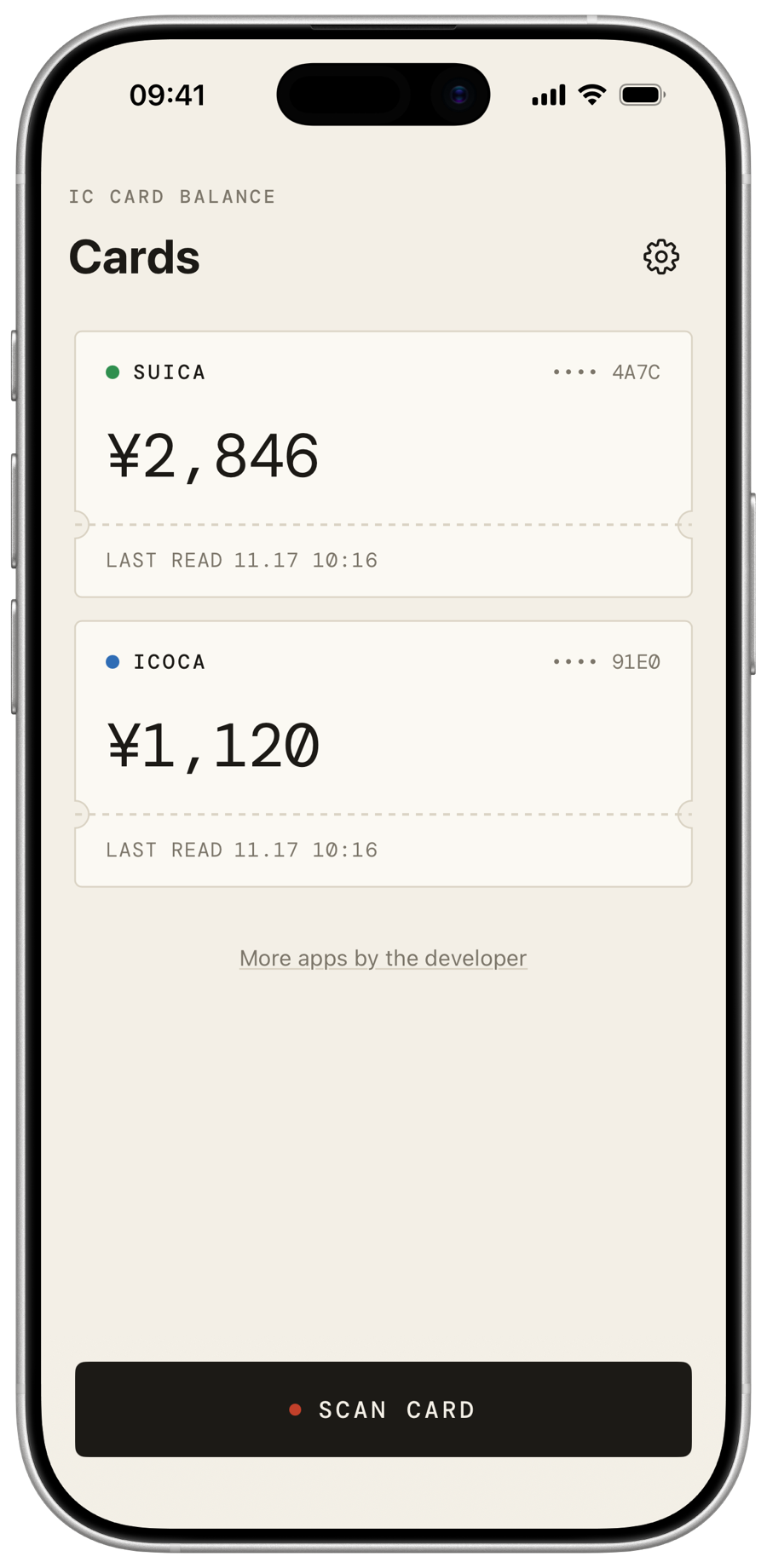
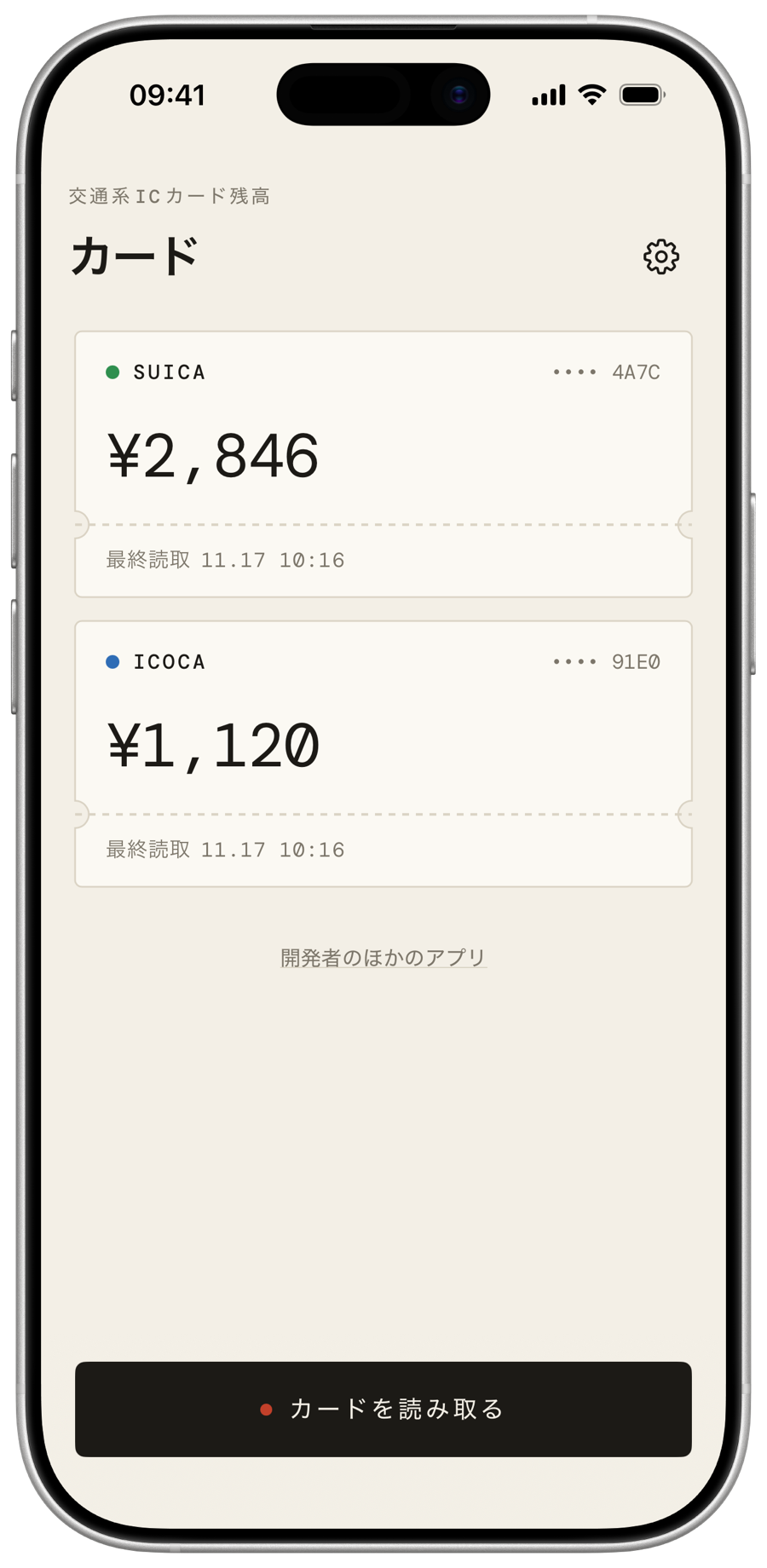
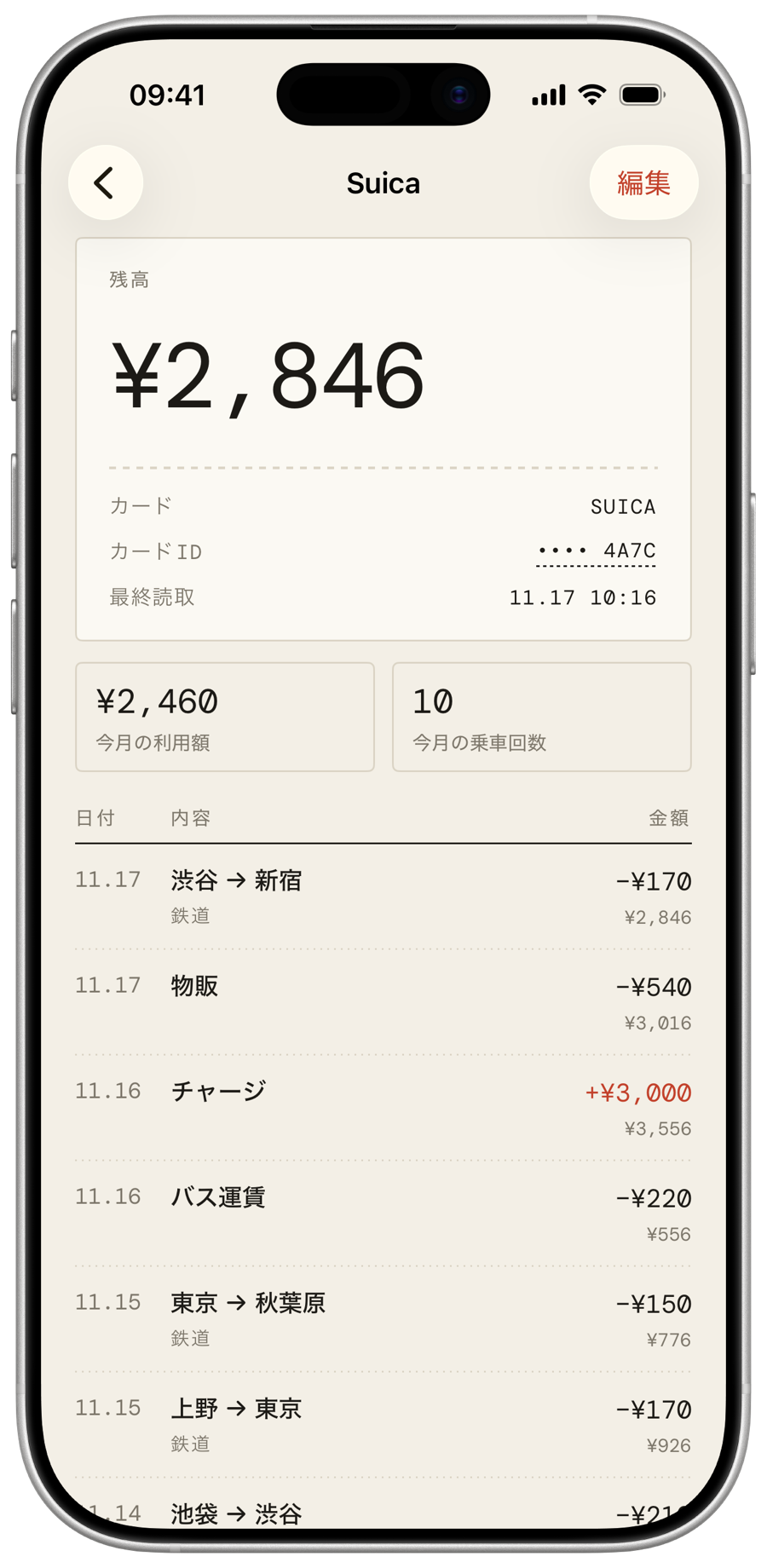
Hold a Suica, PASMO, ICOCA or any other Japanese transit card to the top of your iPhone. See the balance and recent trips, with station names in English or Japanese. Suica・PASMO・ICOCAなどの交通系ICカードをiPhoneの上部にかざすだけ。残高と最近の利用履歴を、駅名つきで確認できます。
Free, with no ads or subscriptions.無料。広告もサブスクリプションもありません。
Totally free. Really.完全無料です。
No ads, no subscriptions, no in-app purchases and no account. It's a small, useful tool, and it stays that way. 広告、サブスクリプション、アプリ内課金、アカウント登録は一切ありません。
Free to download, free to use. Forever.ダウンロードも利用もずっと無料。
No banners, no pop-ups, no tracking.バナーもポップアップも追跡もありません。
Every feature is included. Nothing to unlock.すべての機能が最初から使えます。
Unfold it on iPhone Duo.iPhone Duoでは、広げて見やすく。
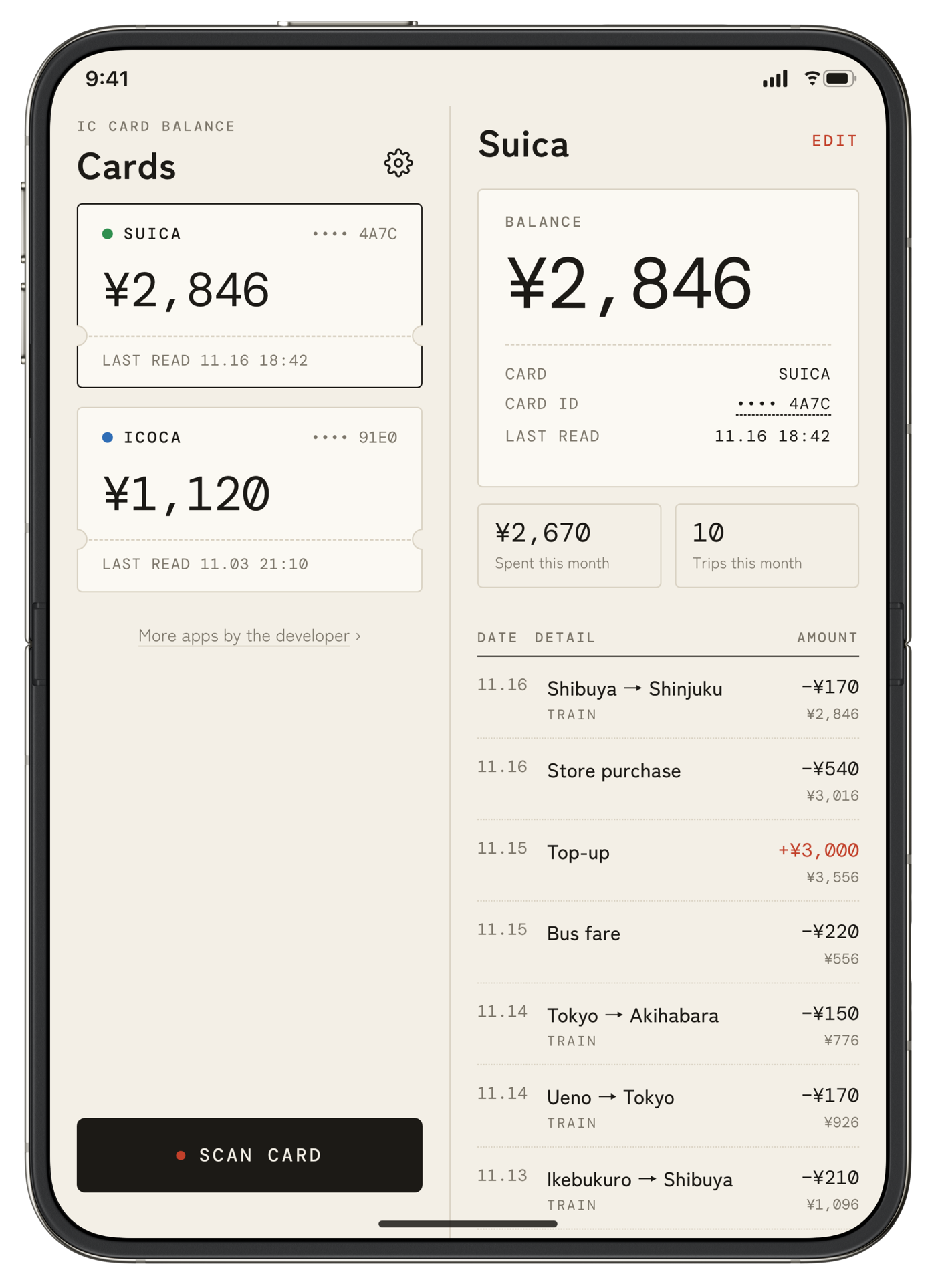
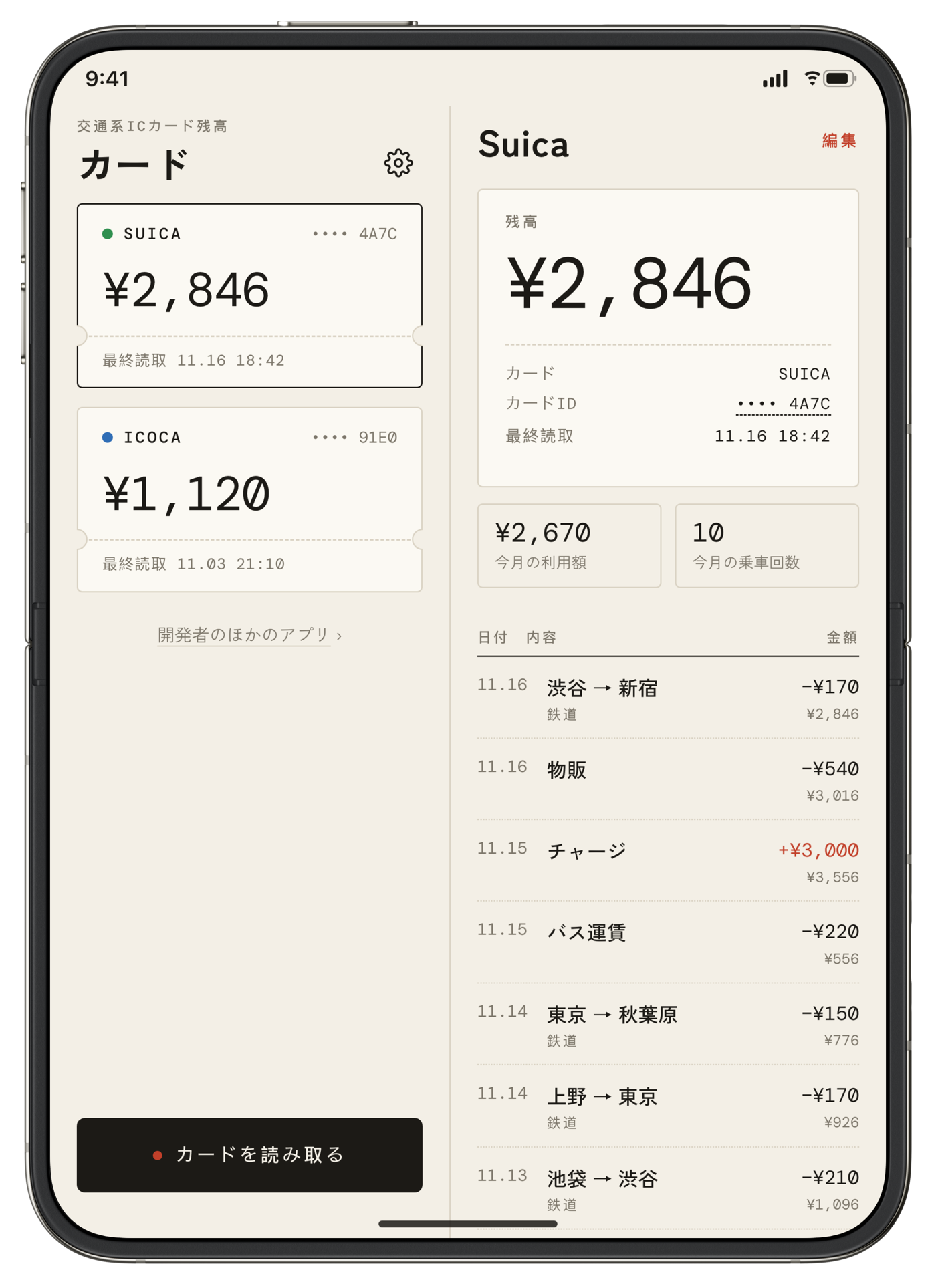
On the iPhone Duo's large inner screen, your cards and their full history sit side by side. Scan, then see every trip at a glance. iPhone Duoの大きな内側ディスプレイでは、カード一覧と利用履歴を並べて表示します。
Everything your card remembers.カードに記録された情報を、すべて。
Balance and recent trips残高と利用履歴
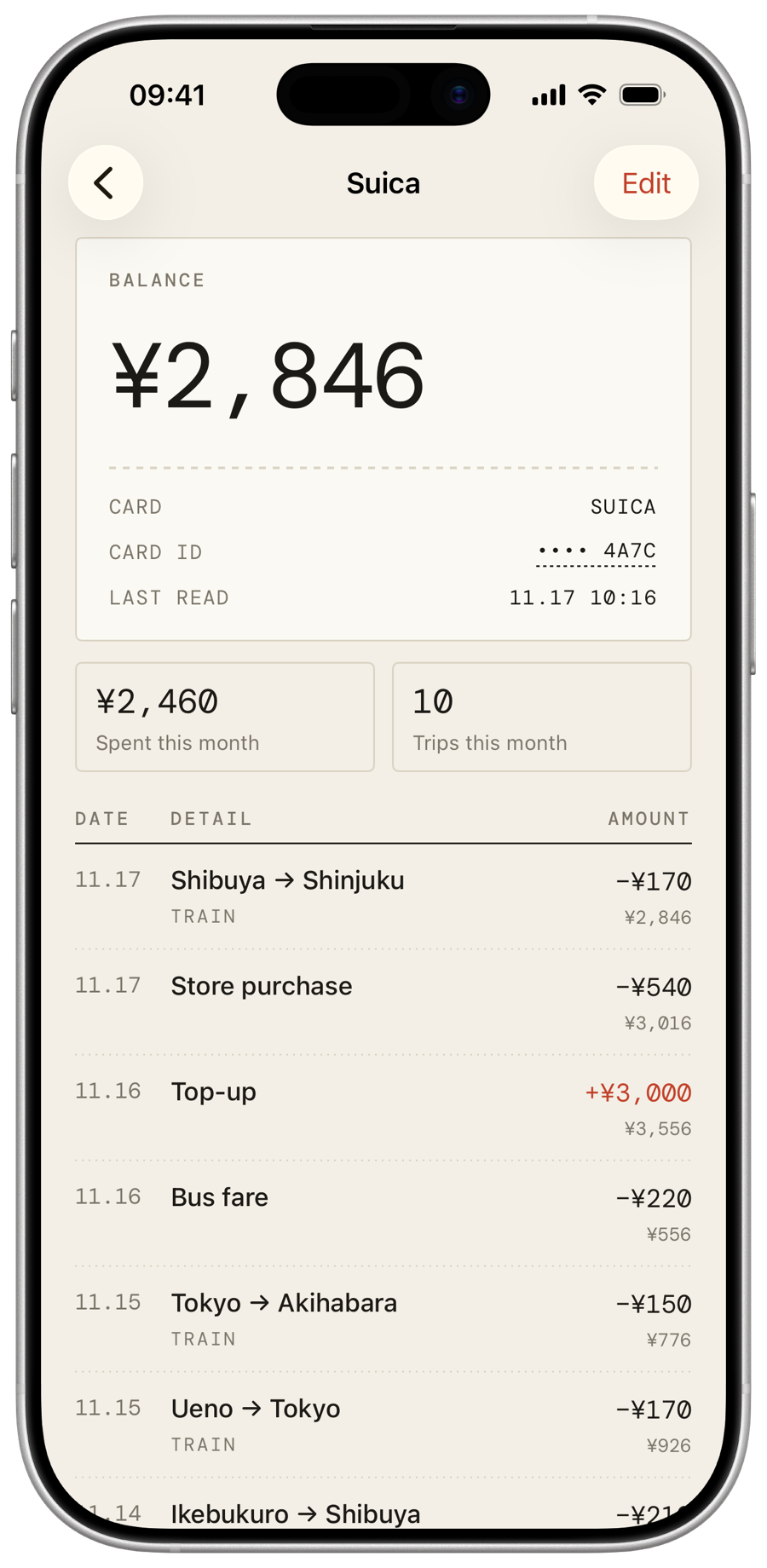
The current balance and the last ~20 entries stored on the card: train rides, bus fares, purchases and top-ups.現在の残高と、カードに記録された直近約20件の履歴(鉄道・バス・物販・チャージ)。
Station names in English or Japanese駅名を英語・日本語で表示
Nearly 7,000 stations, from Shibuya to Nippombashi.約7,000駅に対応しています。
History that adds up履歴は自動でまとめて保存
Every scan is saved without duplicates, so your history grows beyond what the card itself can hold.読み取るたびに重複なく保存され、カードの記録件数を超えて履歴を残せます。
Optional iCloud synciCloud同期(任意)
Off by default. Turn it on to see your cards on iPad too.初期設定はオフ。オンにするとiPadでもカードを確認できます。
Works with対応カード
Your data stays yours.データはあなたのものです。
IC Card Balance reads your card's balance and history only when you scan it. Scans are stored on your device and, like other app data, included in your device's backups (iCloud Backup or a computer backup). If you turn on iCloud sync, they are also stored in your private iCloud account so they appear on your other devices. Only you can access them.
The app has no servers, no accounts, no ads and no analytics. No data is collected by the developer or shared with anyone.
Deleting the app, or using "Delete all scans" in Settings, removes your scans. Older device backups may still contain them until those backups are replaced. Last updated November 2026.
交通系ICカード残高は、カードを読み取ったときにのみ残高と利用履歴を読み取ります。データはお使いのデバイスに保存され、ほかのアプリのデータと同様にデバイスのバックアップ(iCloudバックアップまたはコンピュータへのバックアップ)にも含まれます。iCloud同期をオンにすると、ほかのデバイスでも表示できるよう個人のiCloudアカウントにも保存されます。データにアクセスできるのはご本人だけです。
アプリにはサーバー、アカウント、広告、分析機能はありません。開発者がデータを収集したり、第三者と共有したりすることはありません。
アプリを削除するか、設定の「すべての履歴を削除」で保存データを削除できます。以前のデバイスのバックアップには、上書きされるまでデータが残る場合があります。最終更新:2026年11月
Questions?お問い合わせ
The card won't scan
Hold the card flat against the top edge of your iPhone and keep it still until you feel a tap. Remove thick cases. Cards stored in Apple Wallet can't be read by the same iPhone.
Can I use it on iPad?
iPad has no NFC reader, so it can't scan. Turn on iCloud sync on your iPhone and iPad to see your cards there.
Contact
Email hello@iccardbalance.com.
カードを読み取れない
カードをiPhoneの上部に平らに当て、読み取りが完了するまで動かさないでください。厚いケースは外してください。Apple Walletに登録したカードは、同じiPhoneでは読み取れません。
iPadで使えますか?
iPadにはNFCリーダーがないため読み取りはできません。iPhoneとiPadでiCloud同期をオンにすると、iPadでもカードを確認できます。